Get started with Django
Wanna play with Django?
Follow the following Steps to get a quick start:
- Open Terminal
- Create a Folder for your Project and go there
- Create Python Virtual Environment
python3 -m venv venv
- Activate it
source venv/bin/activate
- Install django
pip install django
- Bootstrap Django Project
django-admin startproject MyProject .
- Start Test Server to see if everything went well so far:
./manage.py runserver
If it went well you can now look at your first django Page on http://127.0.0.1:8000/
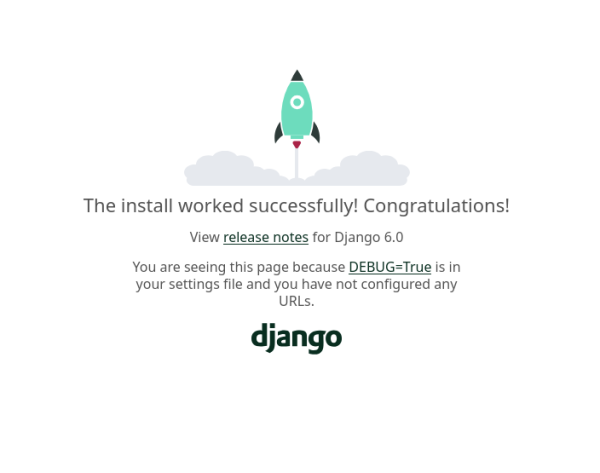
Next you can head over to the official Documentation to go further!
https://docs.djangoproject.com/en/6.0/intro/tutorial01/